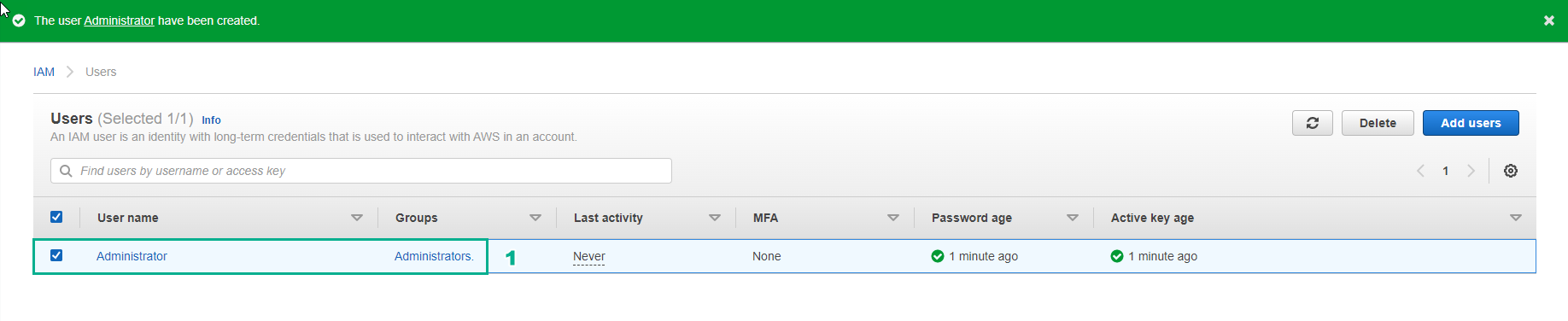
Create IAM User Group
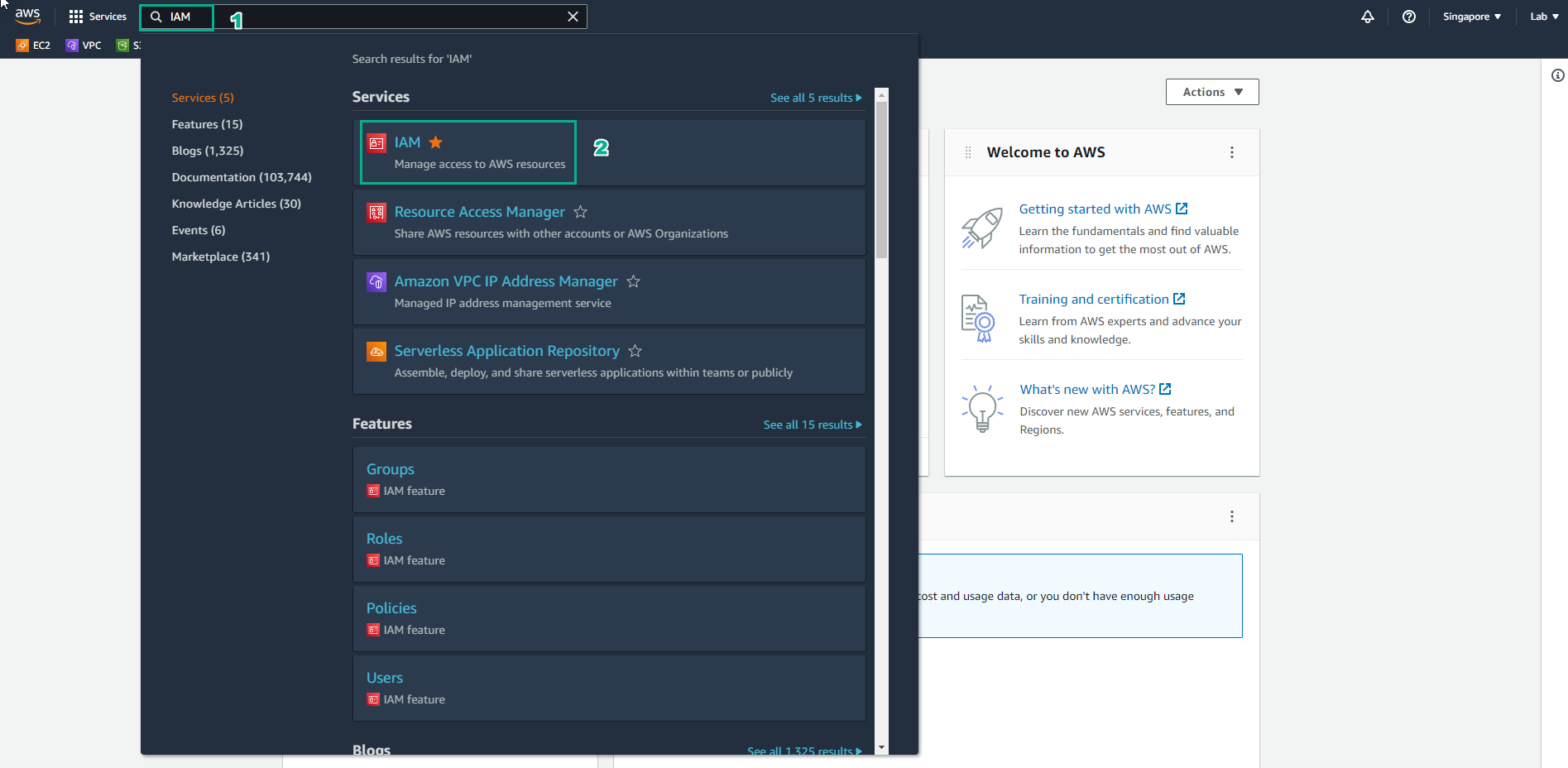
Access to AWS Management Console
- Find IAM
- Select IAM
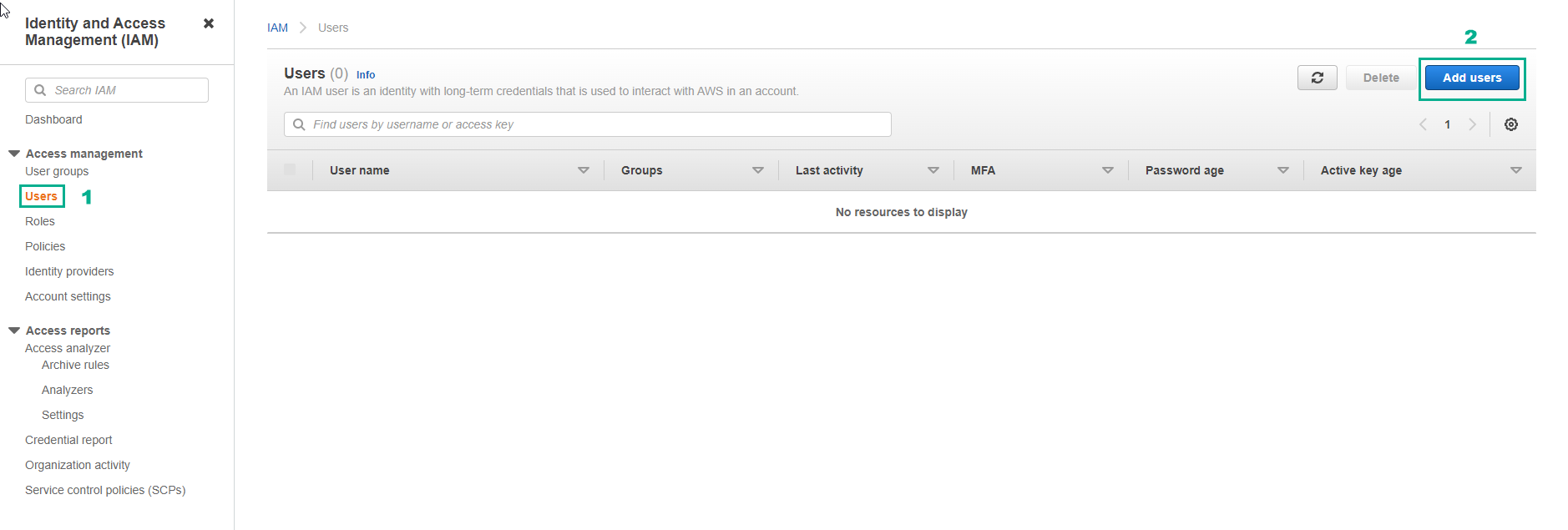
In the IAM Interface
- Select Users
- Select Add users
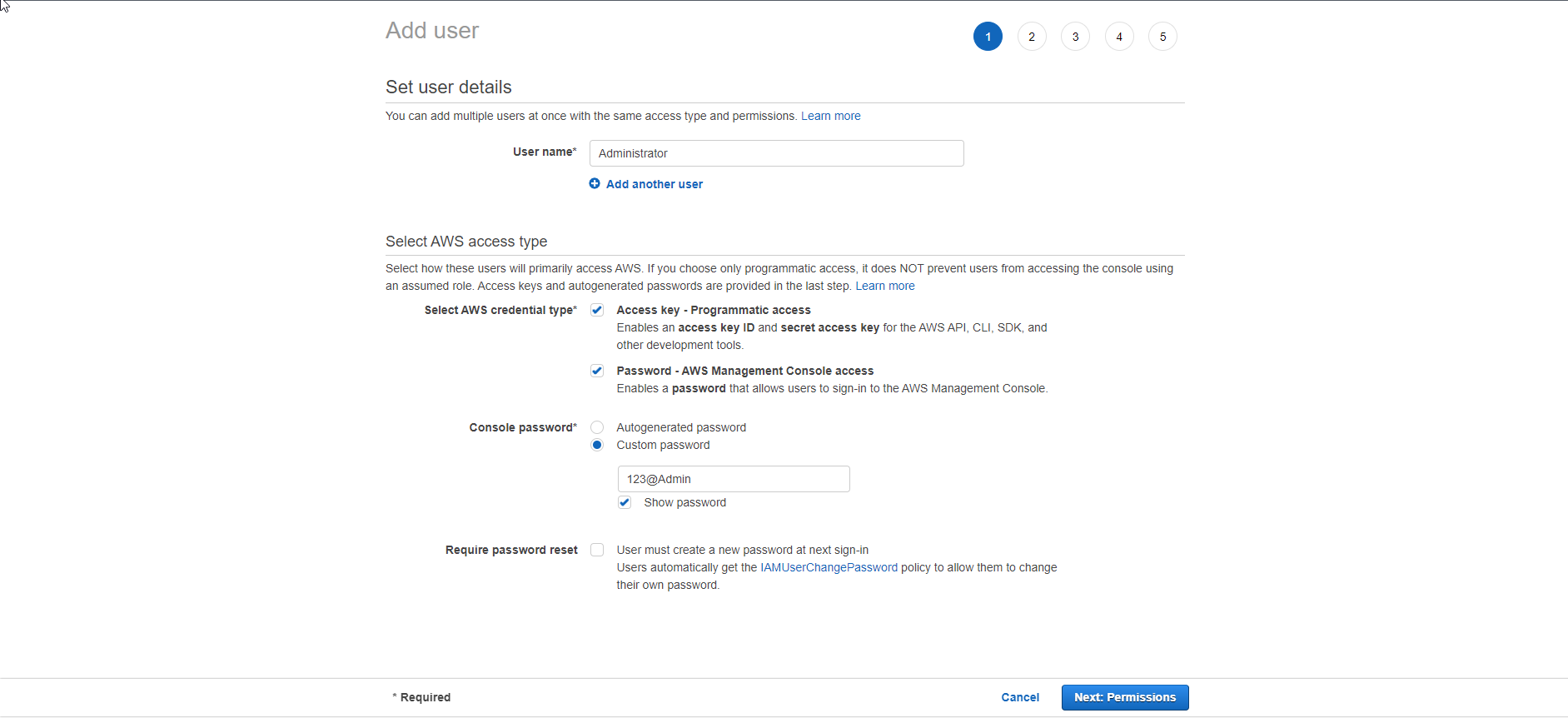
In the Details Page
- For Administrator
- Select AWS Management Console access
- Select Custom password
- Set the password you want
- Uncheck User must create a new password at next sign-in
- Select Next: Permissions
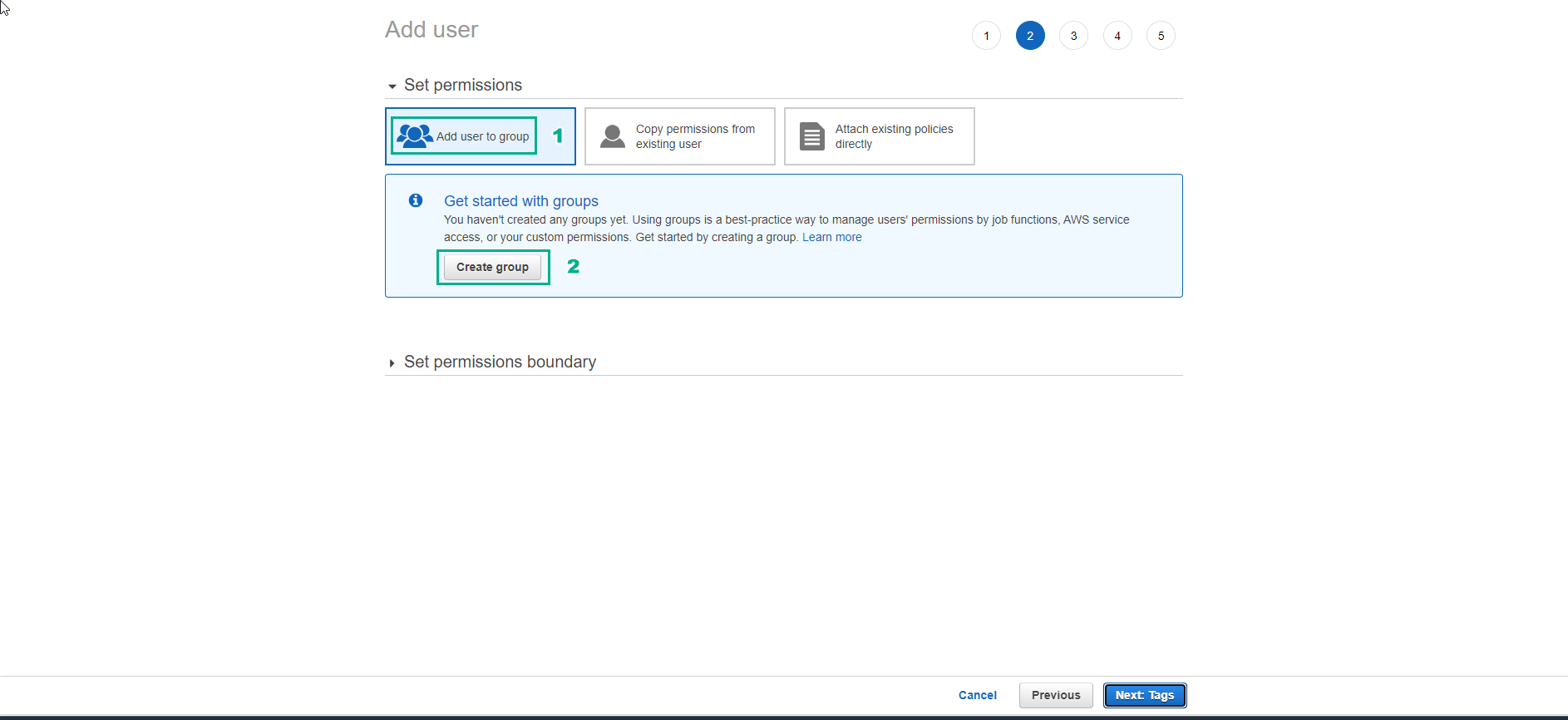
In Permissions Page
- Select Add user to group
- Select Create group
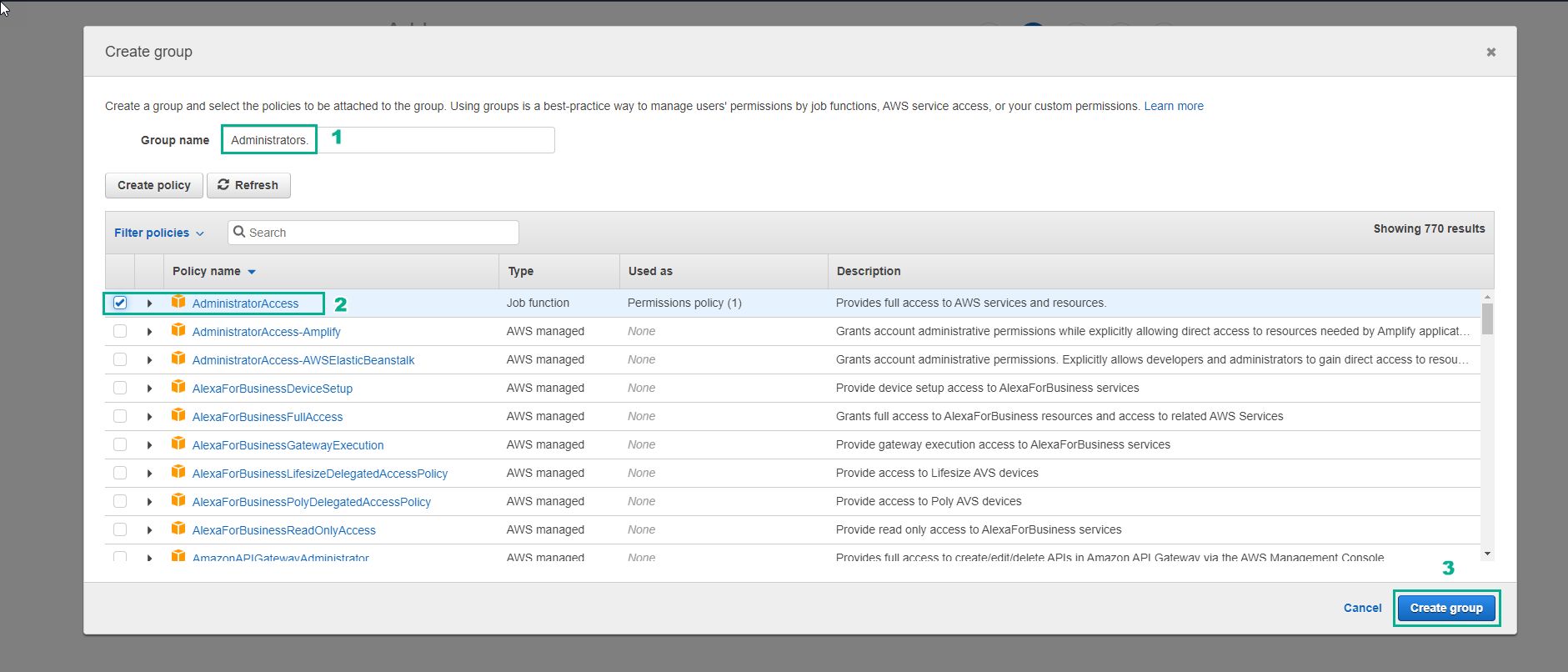
In the Create Group Interface
- Enter Administrators for Group name
- Select AdministratorAccess
- Select Create group
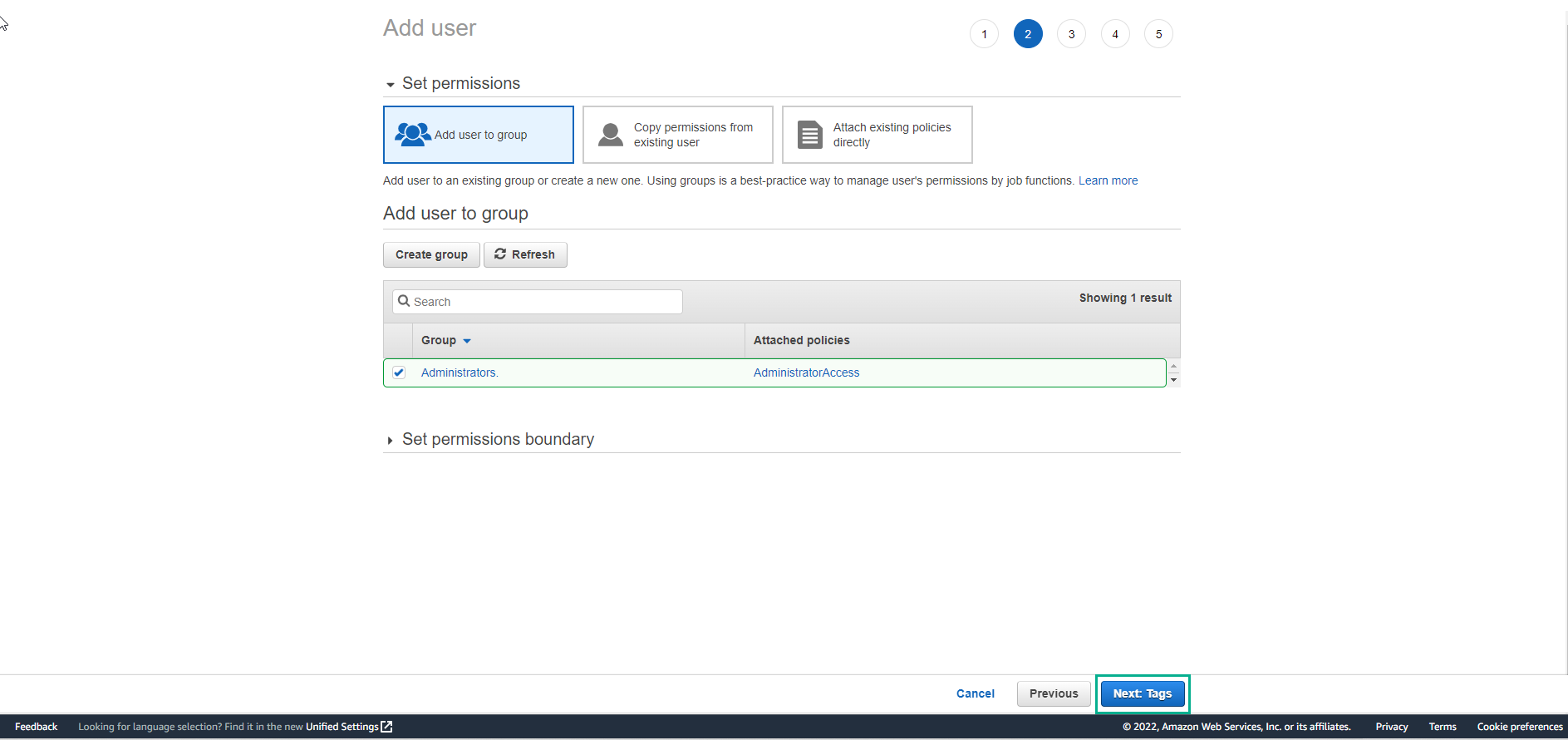
In the Add User Interface
- Select Next
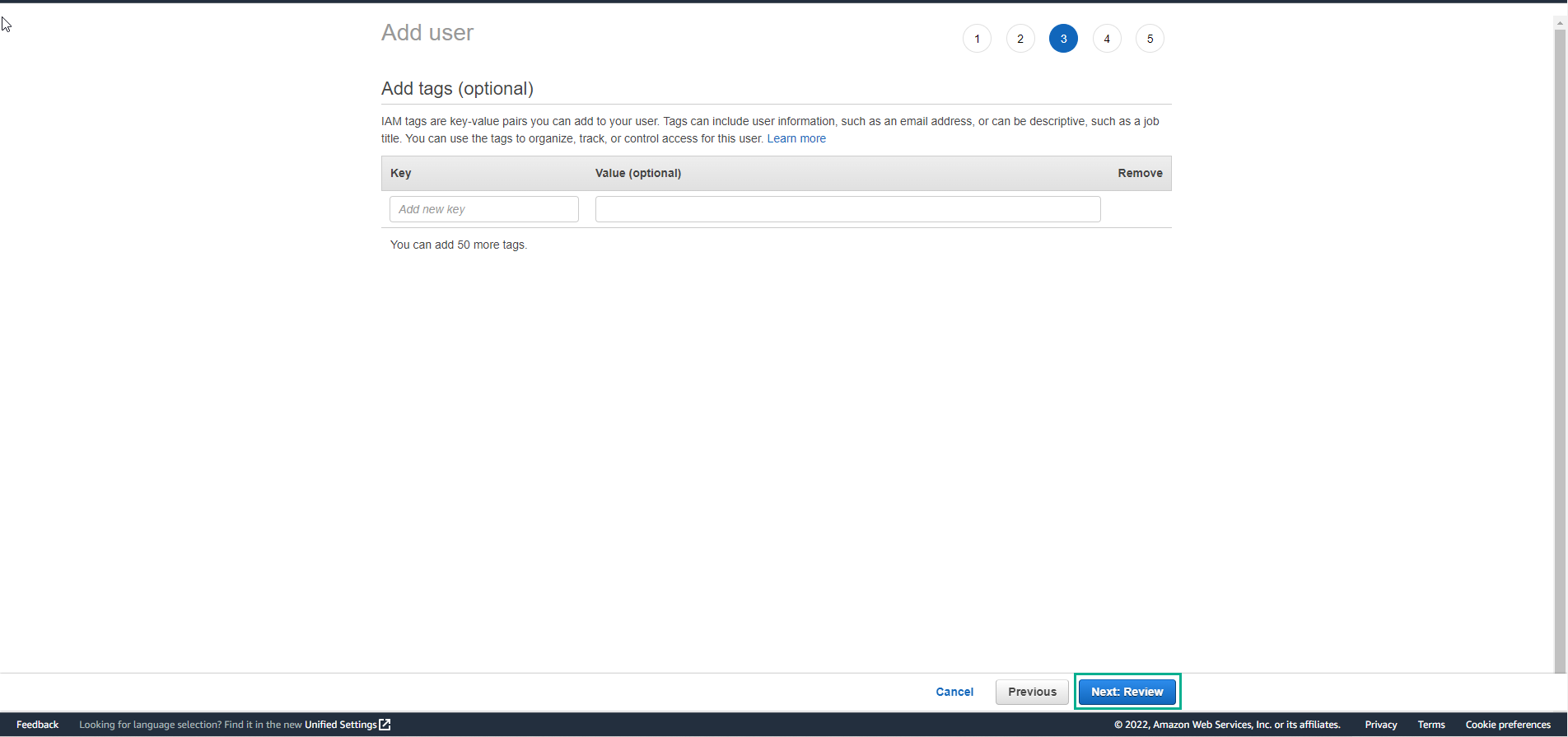
- Select Next
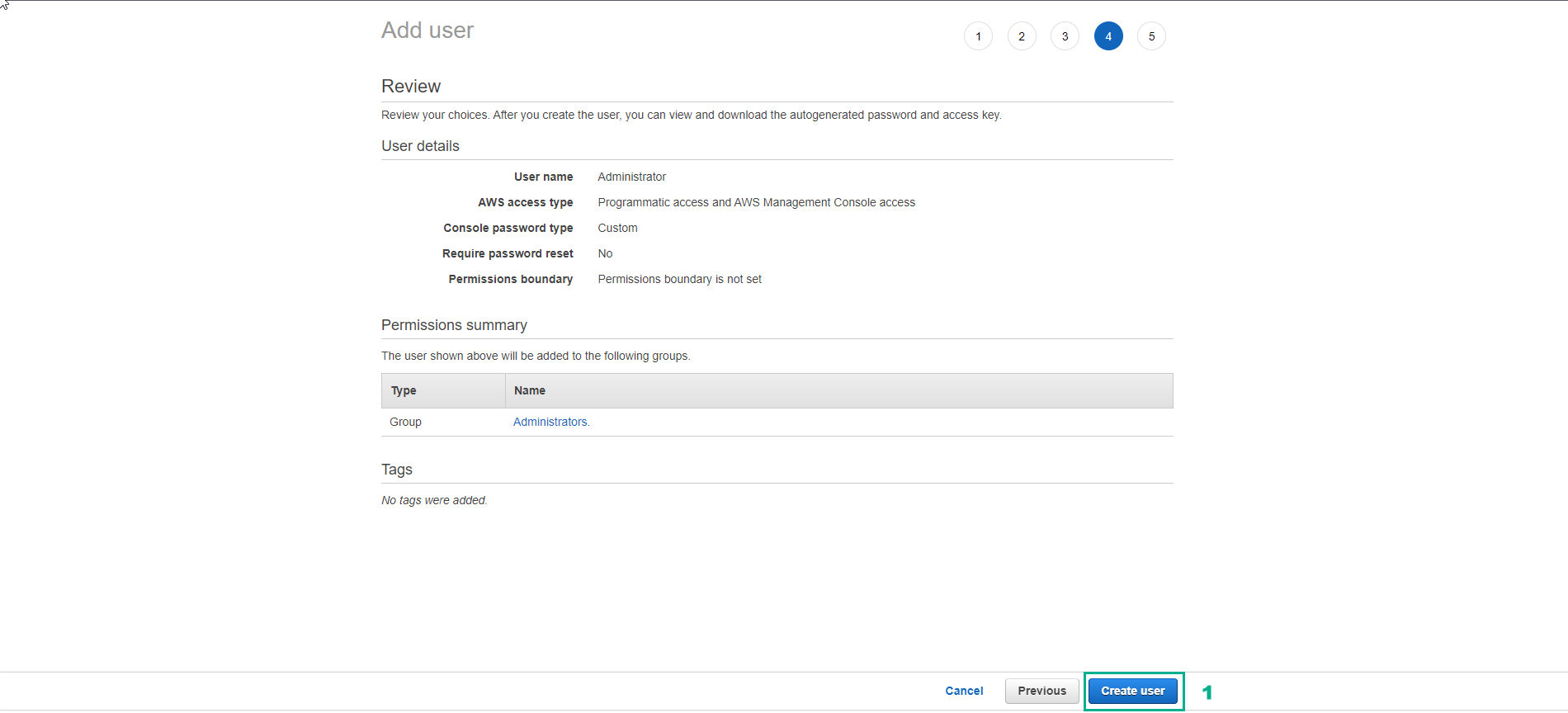
- Select Create user
- Download access information and save it. Select Close
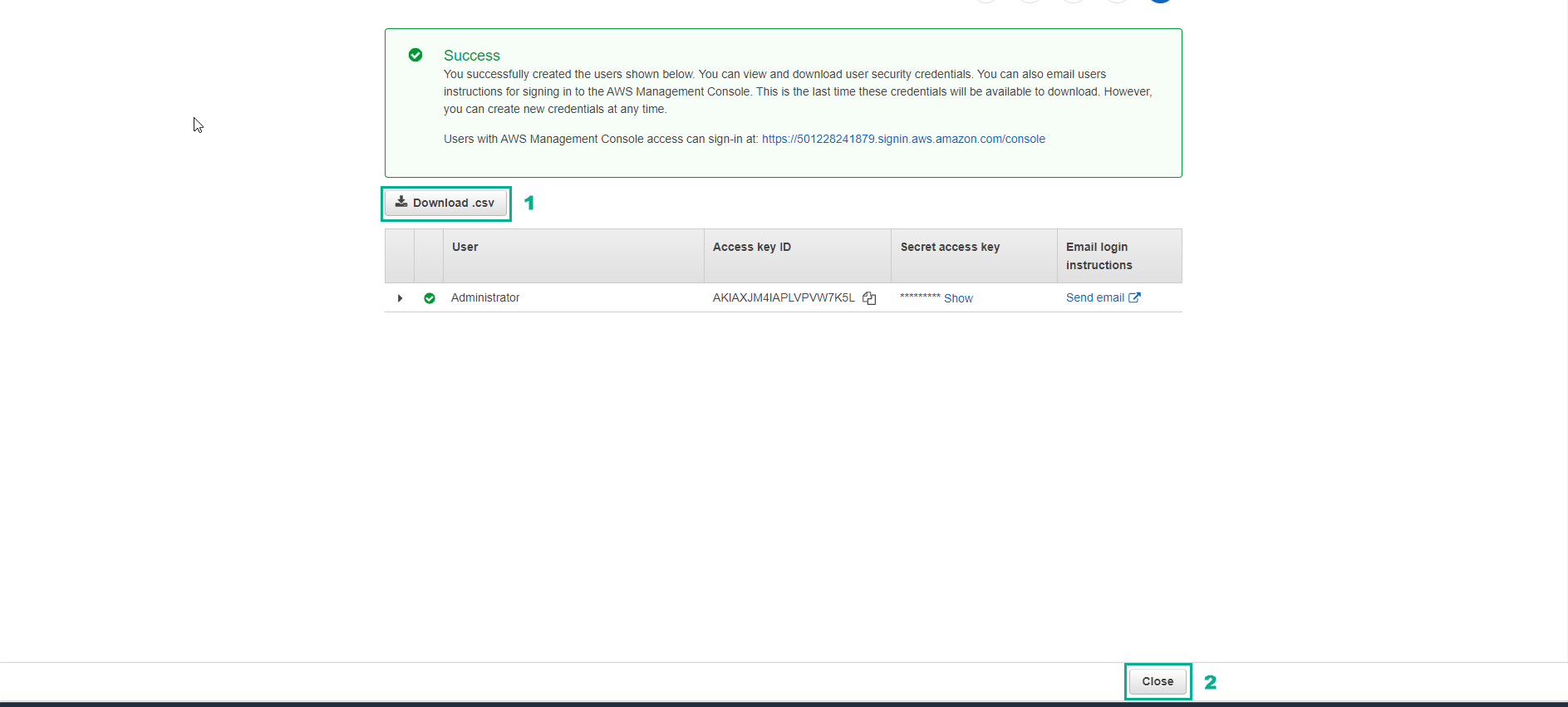
- Finish creating user and user groups.