Create IAM Policy
Create IAM Policy
Go to AWS Management Console
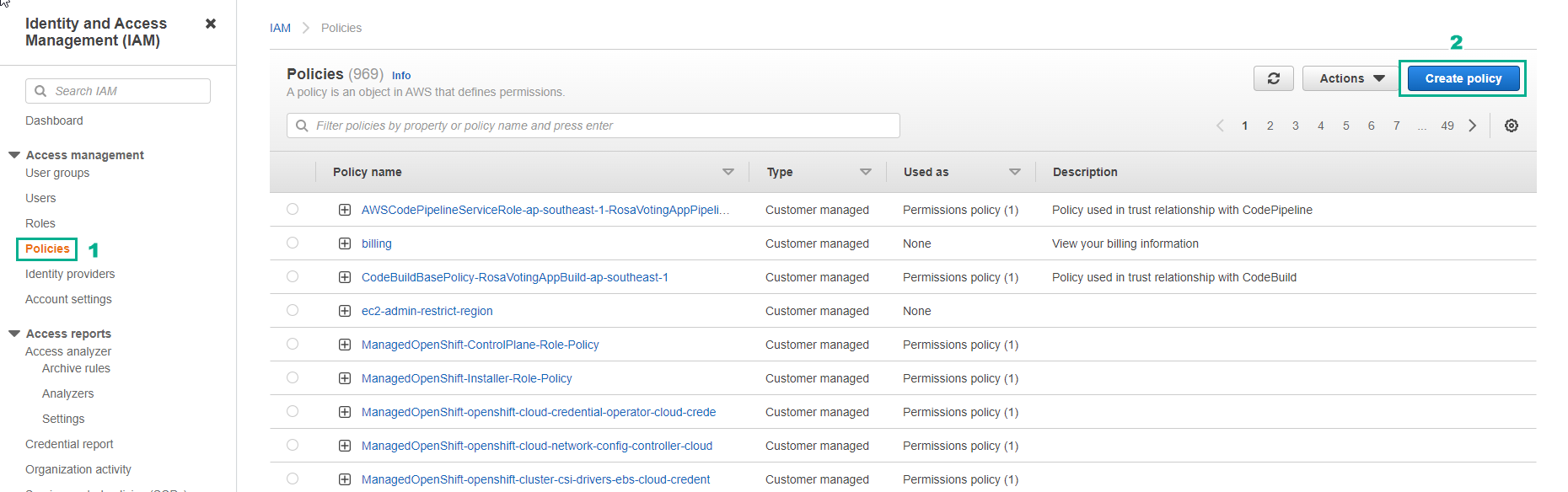
- In the IAM interface, select Policies
- Select Create policy
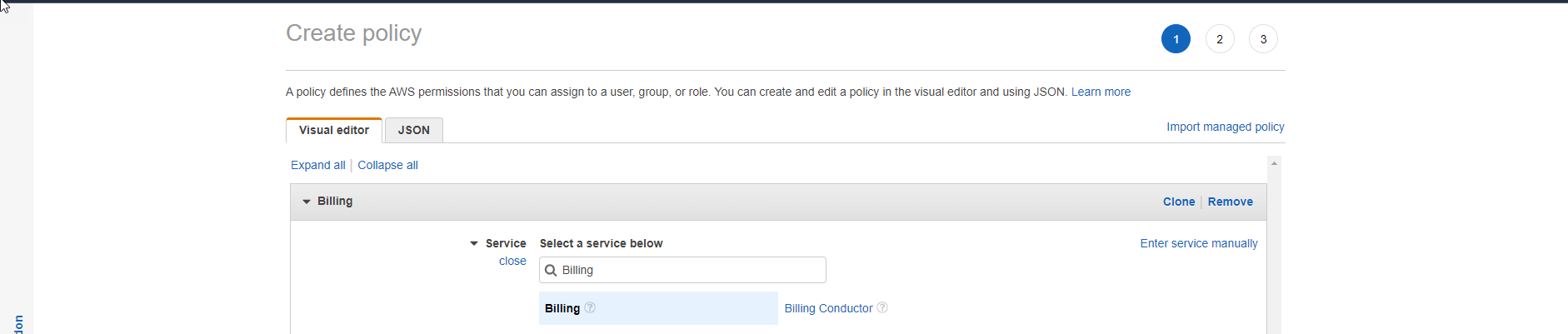
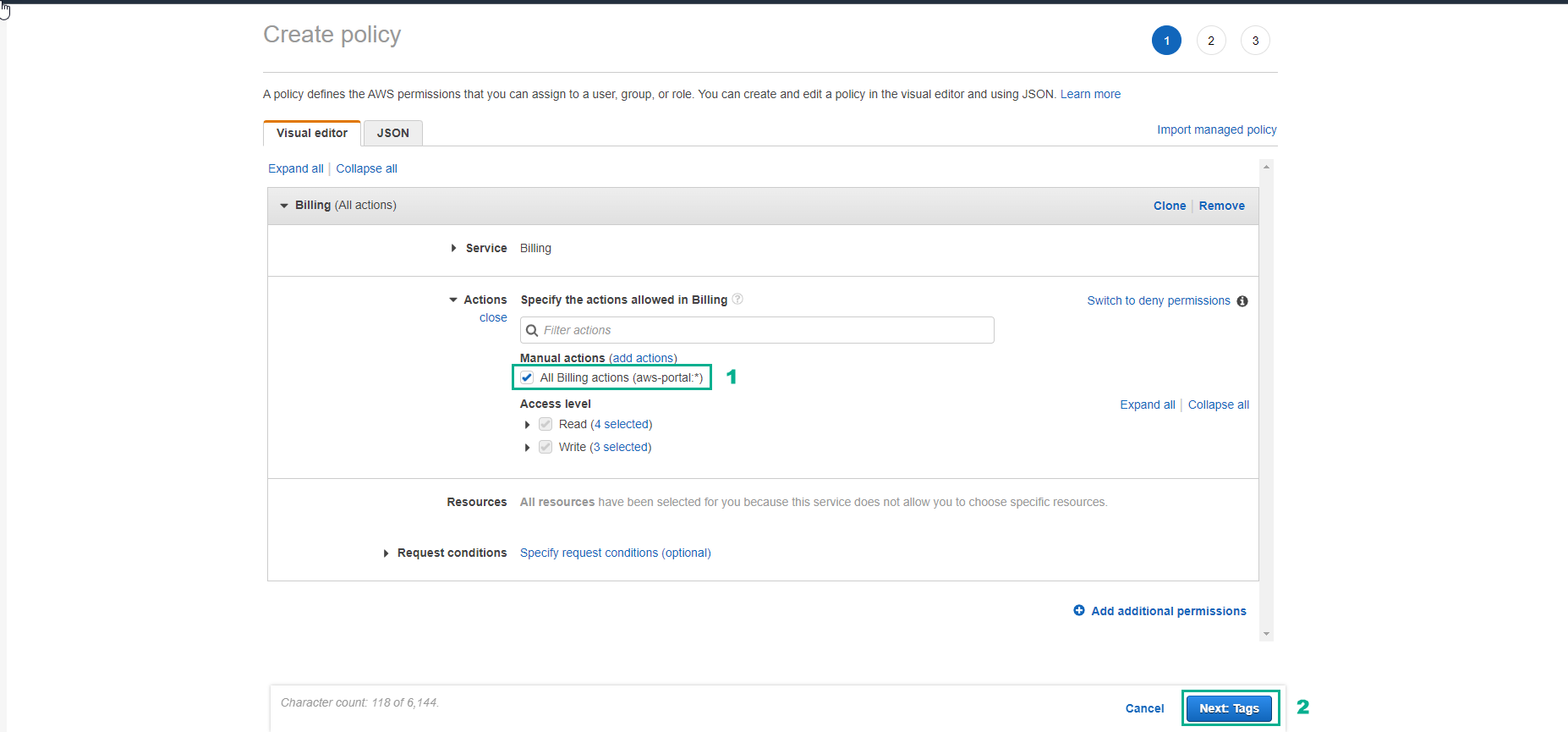
In the Visual editor tab,
- Select Choose a service
- Select Billing
For Select actions
- Select All Billing actions (billing:*)
- Select Next
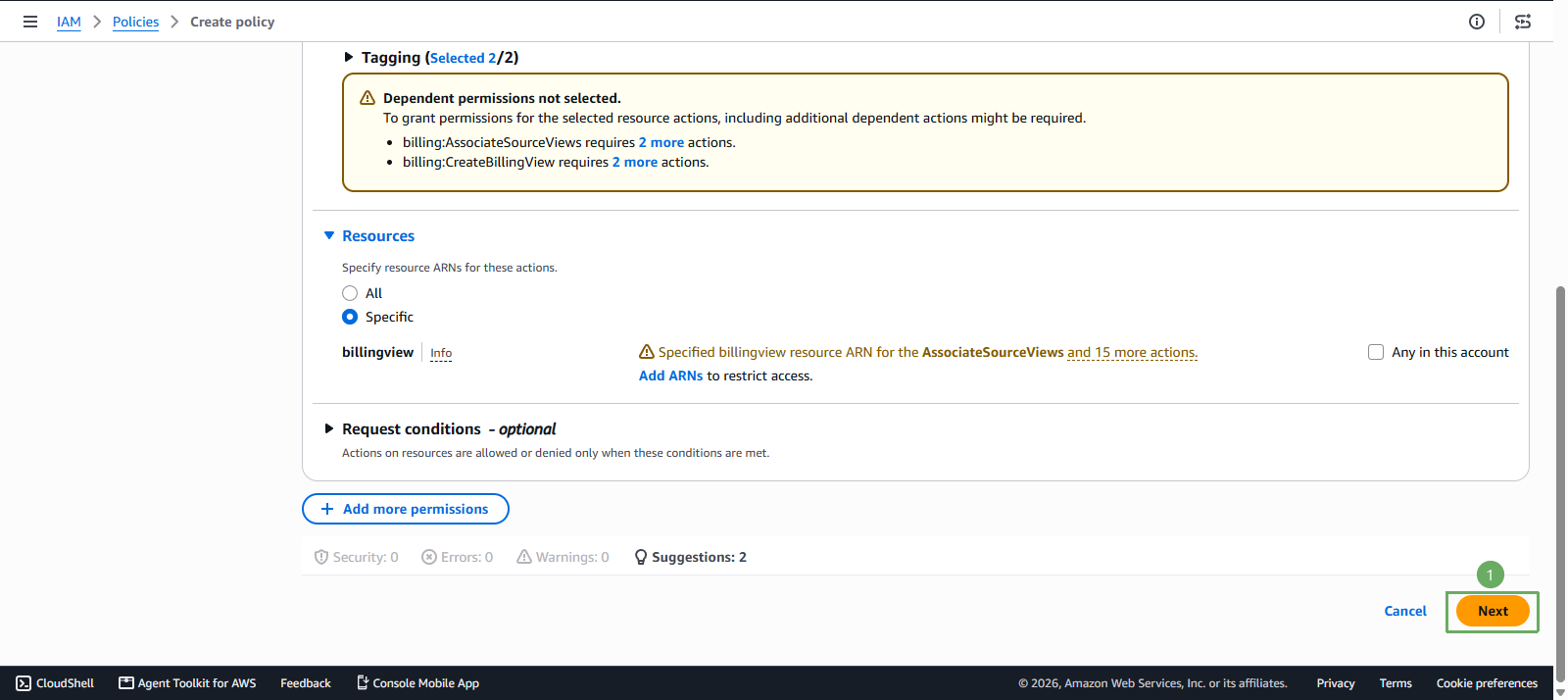
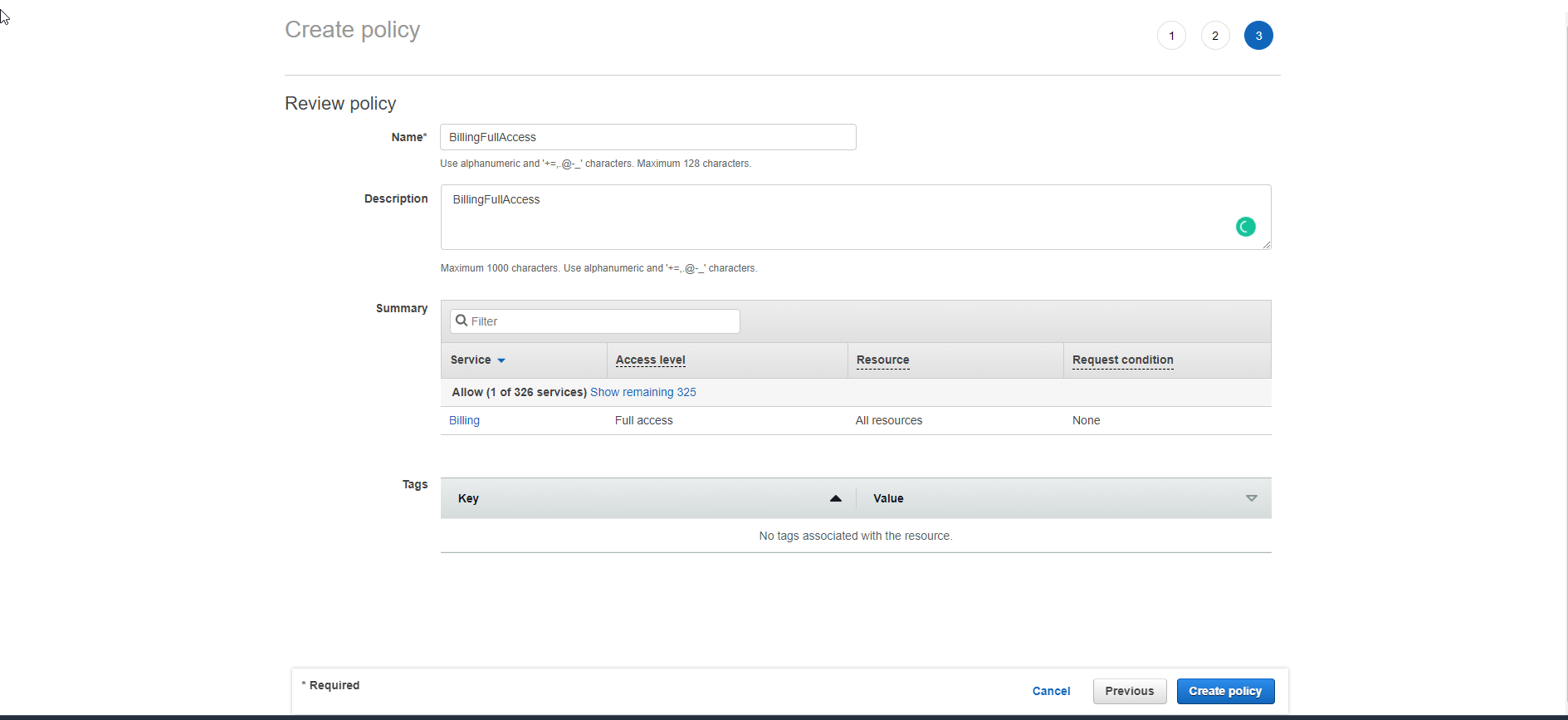
In the Review page,
- For Name, enter BillingViewAccess
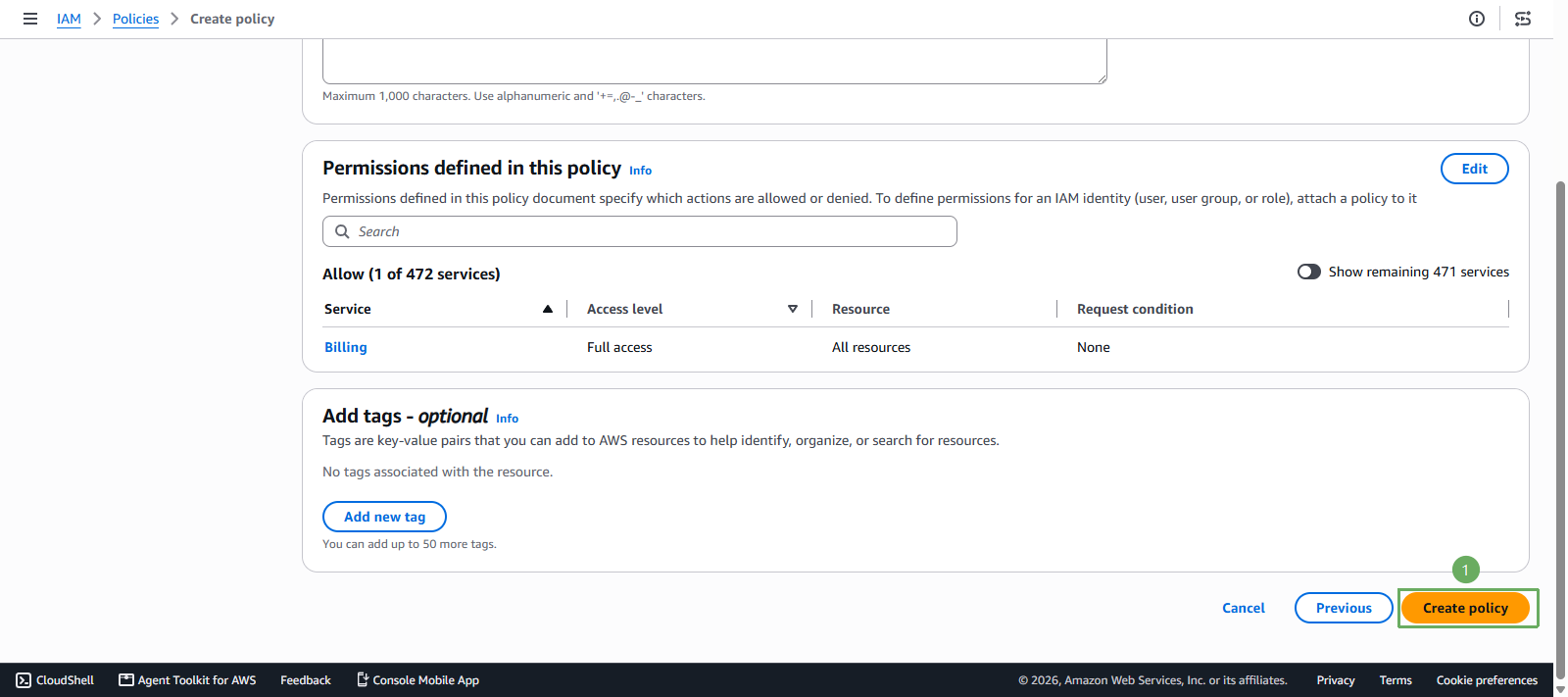
- Then, select Create policy